Getting started
Quick start
From sign-up to your first issue in about fifteen minutes.
The Overview page keeps a checklist of these steps until they're done.
#1. Sign up
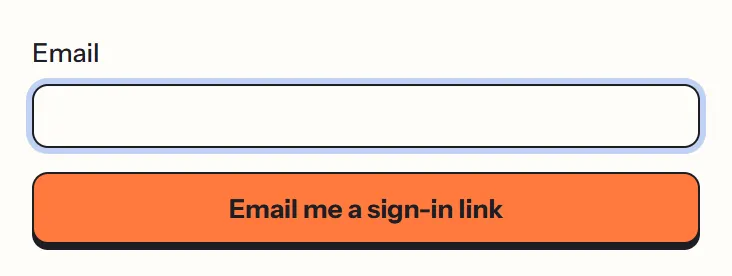
Go to percymail.com and choose Start free. Enter your email address. Percy sends you an email with a sign-in link and a 6-digit code; use either one. There's no password to remember. Signing in with a new address creates your account.
#2. Describe your newsletter
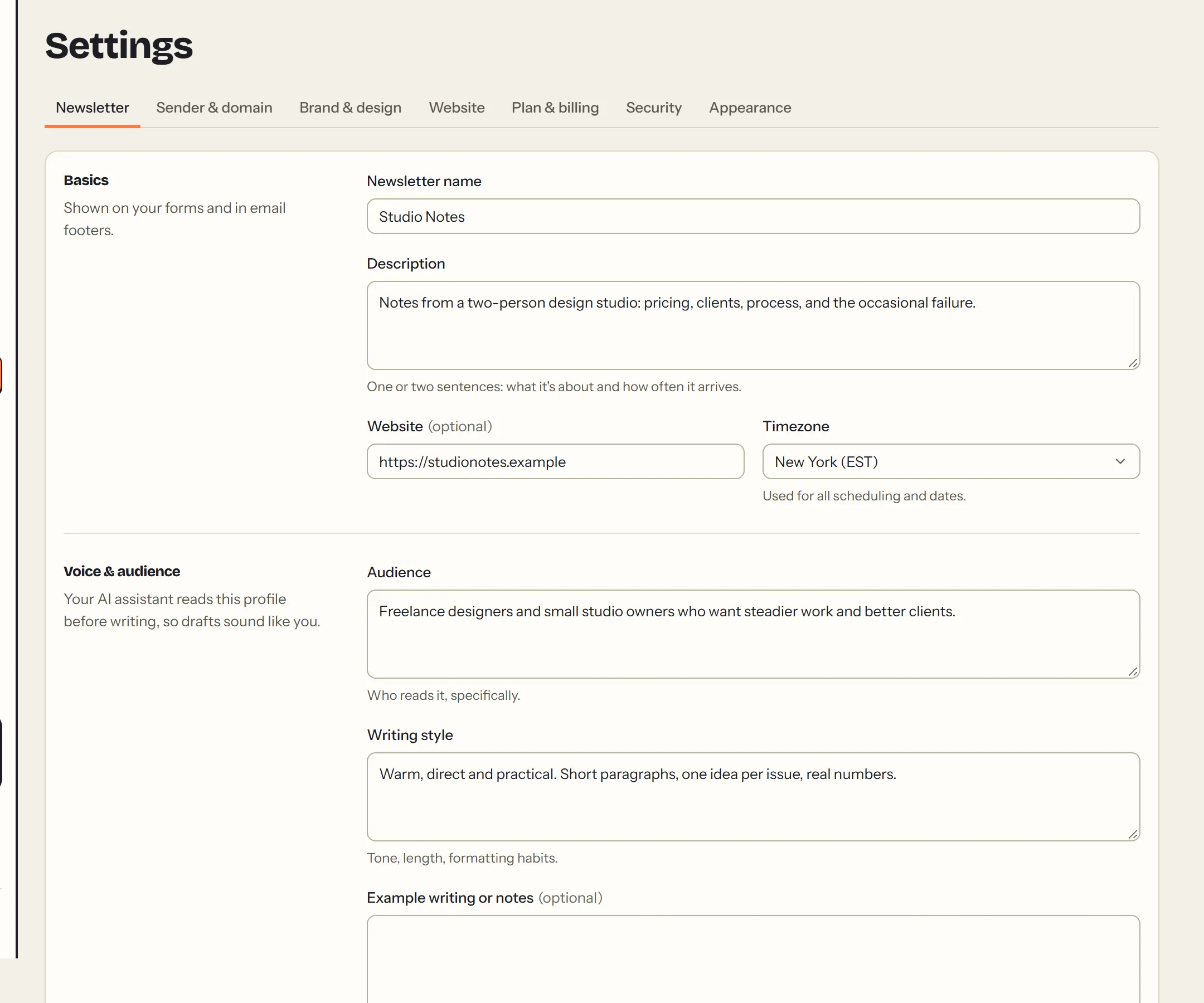
In Settings → Newsletter, add:
- the name;
- a one-line description;
- Audience: who it's for;
- Writing style: how you write;
- your website;
- your time zone.
Schedules and reports use the time zone. The rest shows on your website, and AI assistants use it to write in your voice.
#3. Connect your sending domain
In Settings → Sender & domain, enter the domain you send from (for example yourname.com), your sender name and address, and a postal address. Then add the DNS records Percy shows you at your domain provider. Verification usually takes a few minutes. See Sending domain.
#4. Create a signup form
In Forms, choose New form. Each form gets a page you can share, plus a snippet to embed on your site. See Signup forms.
#5. Pick a plan
In Settings → Plan & billing, pick how many emails you send a month and pay on Stripe's secure page. Until then your forms keep collecting subscribers, but nothing is sent. See Plans and billing.
#6. Send your first issue
In Emails, choose New campaign, write your issue, and use Send test to see it in your inbox. When it looks right, Send now shows a final review before anything goes out. See Campaigns.
#That's it
Once the checklist on Overview is done, Percy says so and gets out of the way. Coming from another tool? Switching to Percy covers bringing your list.
This page as Markdown: https://percymail.com/docs/quick-start.md. All the docs: https://percymail.com/llms.txt.